
Choosing a Kyocera A4 printer for SMBs is becoming a strategic move for organizations looking to balance performance with a lean operational budget. Historically, many businesses felt pressured to invest in large A3 “workhorses” for every department, regardless of actual paper size needs. While A3 units remain vital for high-volume ledger printing (11×17), the shift toward decentralized work and digital transformation has turned the spotlight on the A4 platform.
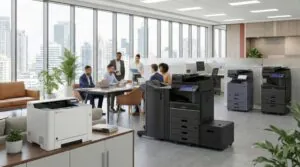
The modern office is no longer defined by a single, massive copier in a hallway. Instead, proven results are achieved through a hybrid fleet that mixes robust A3 capability with high-performance Kyocera A4 printers.
The ECOSYS Advantage: Sustainability and P&L
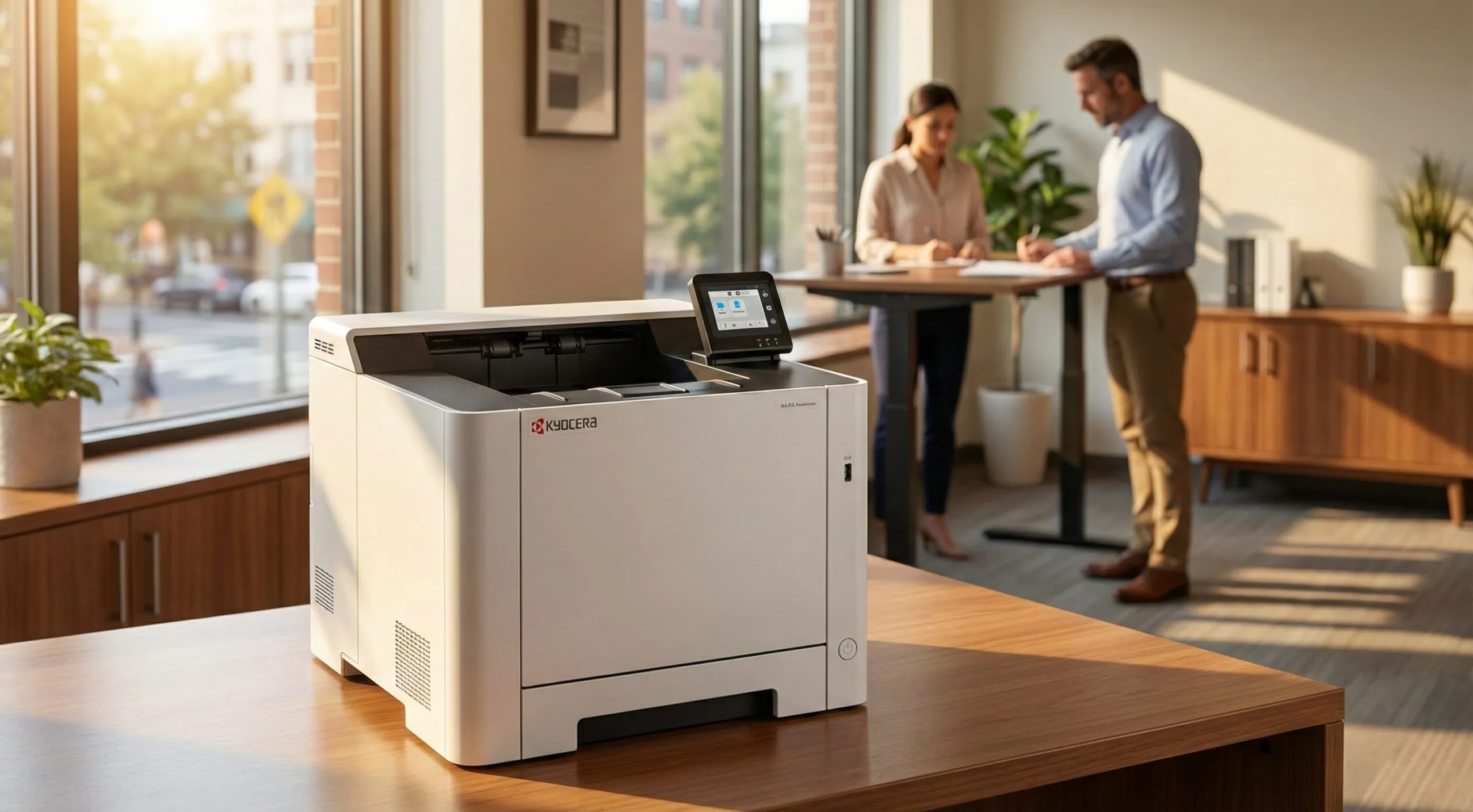
The Kyocera A4 printer for SMBs is built on the ECOSYS (Economy, Ecology, and System) technology platform. This isn’t just a branding term; it is a fundamental engineering difference that impacts your bottom line.
-
Ceramic Drum Technology: Unlike many competitors who use disposable plastic drums, Kyocera utilizes long-life ceramic drums designed to last hundreds of thousands of pages.
-
Reduced Consumable Waste: Because the drum is a permanent part of the machine, the only consumable you replace is the toner itself. This leads to a lower Total Cost of Ownership (TCO) over the life of the device.
-
Tiered Color Billing: Kyocera’s unique tiered pricing structure ensures you only pay for the amount of toner used on a page, rather than a flat rate for any color print.
Performance Without the Footprint
Modern SMBs often deal with space constraints that make large A3 units impractical for every department. However, “smaller” should not mean “weaker.” The Kyocera A4 printer for SMBs offers features that rival their larger counterparts:
-
High-Speed Output: Models in the Kyocera lineup deliver up to 60 pages per minute (ppm), ensuring busy legal or medical offices never face a bottleneck.
-
Advanced Scanning: Many A4 units come standard with Dual Scan Document Feeders, allowing for fast, simultaneous scanning of both sides of a document.
-
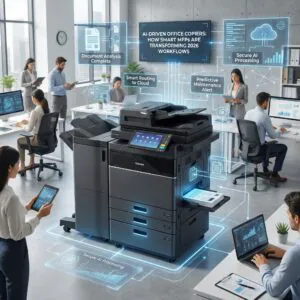
App Integration: Through the HyPAS (Hybrid Platform for Advanced Solutions) platform, these devices integrate directly with modern workflows and cloud services.
A Proven Security Framework
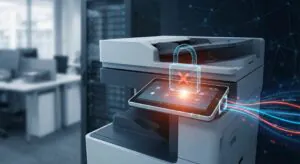
A Kyocera A4 printer for SMBs is a secure endpoint on your network, not just a peripheral. With cyber threats targeting networked hardware, Kyocera has implemented enterprise-grade security across its A4 lineup:
-
Data Encryption: Standard encryption protocols protect data as it travels across the network to the printer.
-
Secure Print Release: Users can be required to enter a PIN or swipe an ID card at the device to release their documents, preventing sensitive information from sitting in an open tray.
-
Overwritten Memory: Once a print job is completed, the device can automatically overwrite the data on the internal storage to ensure no digital footprint remains.
Why the Hybrid Fleet is Winning
Most Mid-Atlantic businesses find that a “one size fits all” approach to printing is inefficient. We often recommend a strategy where an A3 multifunction printer serves as the central hub for finishing (stapling, booklet-making) and large-format needs, while Kyocera A4 printers are placed strategically in high-traffic departments.
This hybrid model provides redundancy. If the main office copier requires service, your team can continue essential operations on the A4 units, ensuring your workflow remains modern and uninterrupted. Industry experts at ENX Magazine have long highlighted how manufacturers like Kyocera are bridging the gap between desktop convenience and enterprise power.
Frequently Asked Questions
Can a Kyocera A4 printer handle the volume of a medium-sized office? Yes. Many Kyocera A4 models are designed for duty cycles that rival larger A3 machines, ensuring they serve as reliable workhorses for the long term.
Do I lose out on features by choosing A4 over A3? You primarily lose the ability to print on 11×17 paper and some complex finishing options like tri-folding. For standard 8.5×11 and 8.5×14 documents, Kyocera A4 printers offer the same scanning, cloud integration, and security features as A3 units.
How does Kyocera help with sustainability goals? Kyocera’s ECOSYS technology uses long-life parts that significantly reduce the number of components sent to landfills. Their devices are also designed for high energy efficiency, helping SMBs reduce their overall carbon footprint.
The modern SMB doesn’t need more hardware; it needs a smarter approach to document management. By integrating a Kyocera A4 printer into your office, you are choosing a tested, balanced solution that prioritizes long-term results over short-term savings.
Schedule a FREE Print Technology consultation with a Doceo Advisor today at https://www.mydoceo.com/lets-talk/.