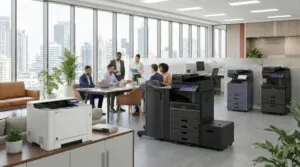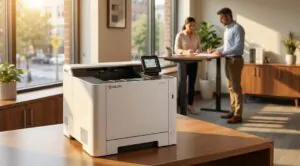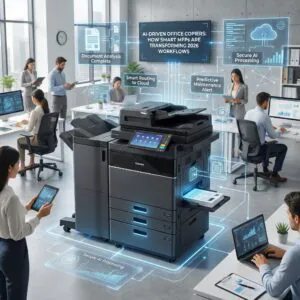

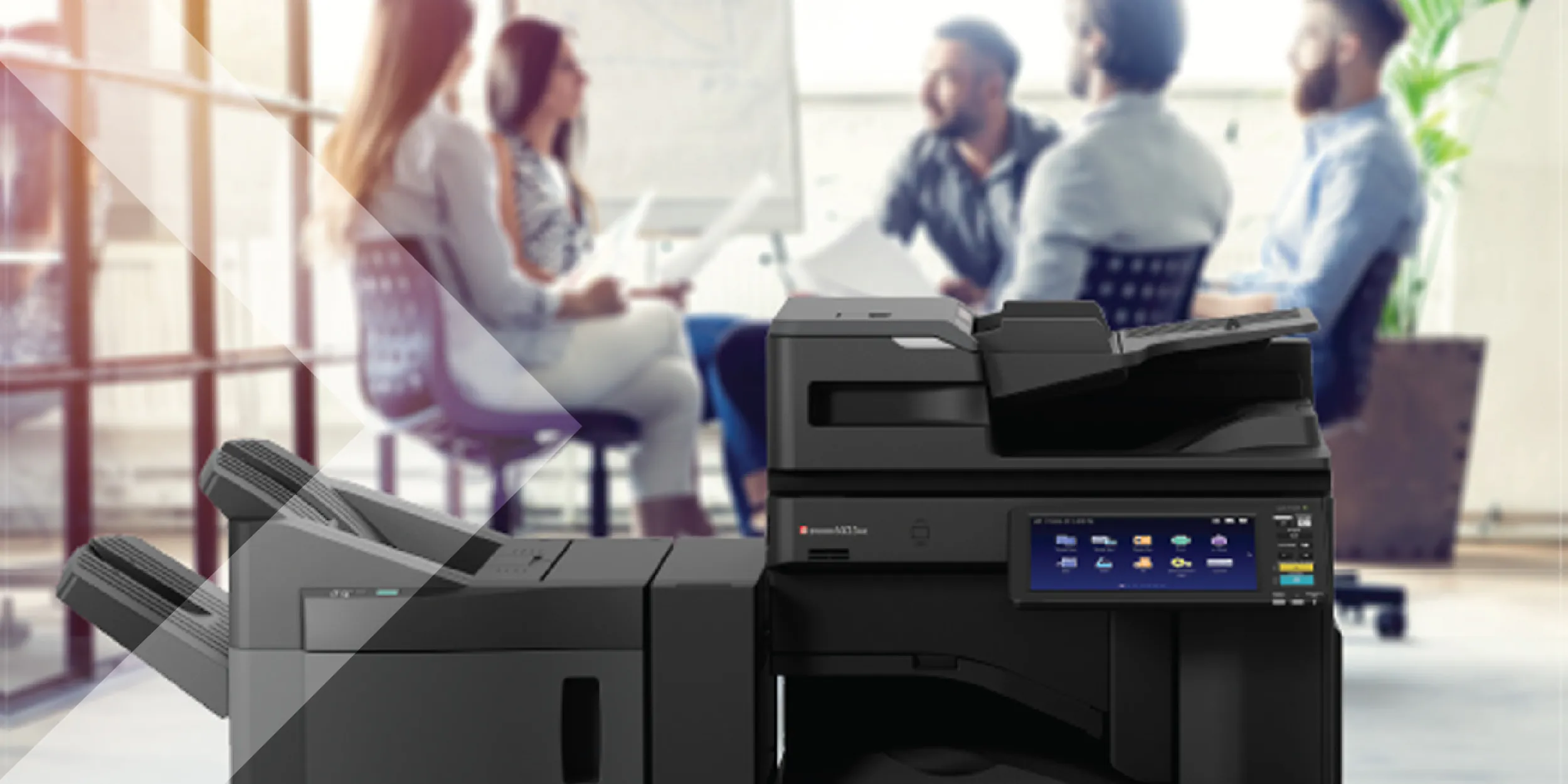
When shopping for an office printer or copier, you may wonder: Are copiers laser printers? The short answer is that most modern copiers use laser printing technology, but not all copiers are technically laser printers. Let’s break it down to understand the key differences and similarities.
What is a Copier?
A copier, also known as a multifunction printer (MFP), is a machine designed primarily for copying documents but often includes printing, scanning, and faxing functions. Traditional copiers used analog processes, but nearly all modern copiers are digital, using advanced imaging technologies to produce high-quality copies.
What is a Laser Printer?
A laser printer is a device that uses a laser beam and electrostatic charges to transfer toner onto paper, creating crisp text and images. This technology is known for being fast, efficient, and cost-effective, especially for high-volume printing.
Do Copiers Use Laser Printing Technology?
Yes, most office copiers use laser printing technology. High-speed office copiers and MFPs rely on laser or LED printing mechanisms because they offer:
- Fast output speeds (measured in pages per minute or PPM)
- Lower cost per page than inkjet printers
- High-quality text and images
- Durability and longevity
However, not all copiers are laser-based. Some lower-end office or home copiers use inkjet technology, which sprays liquid ink onto paper. Inkjet copiers are less common in business settings because they are slower and have higher operating costs.
Differences Between Standalone Laser Printers and Copiers
While most copiers use laser printing technology, they differ from standalone laser printers in a few ways:
| Feature | Copier (MFP) | Laser Printer |
|---|---|---|
| Primary Function | Copying, printing, scanning, faxing | Printing only |
| Printing Technology | Usually laser or LED | Laser |
| Speed | Faster (higher PPM) | Varies by model |
| Paper Handling | Large capacity, duplexing, stapling | Standard tray options |
| Cost | Higher upfront, lower per-page cost | Lower upfront, higher per-page cost for high volume |
Do You Need a Copier or a Laser Printer?
Choosing between a copier (MFP) and a laser printer depends on your needs:
- Choose a copier (MFP) if your business requires copying, scanning, and faxing alongside printing. MFPs are designed for workgroups, offices, and high-volume printing.
- Choose a standalone laser printer if you only need fast, high-quality printing with minimal features. This is ideal for personal use or small offices with limited document-handling needs.
Frequently Asked Questions About Copiers and Laser Printers
Are all copiers laser printers?
Most modern business copiers use laser printing technology, but not all. Some production-grade copiers use inkjet technology (like Epson’s PrecisionCore line), and older analog copiers used a different process entirely. For typical office use, the copiers you will encounter from Toshiba, Canon, Kyocera, and Lexmark are laser-based.
Is a multifunction printer (MFP) the same as a copier?
Functionally, yes. An MFP combines copying, printing, scanning, and often faxing into one device. The term “copier” is a holdover from when these machines only made copies. Today, virtually every office copier is an MFP with full network printing capabilities.
Which is cheaper to operate, a copier or a standalone laser printer?
For high-volume environments, a copier (MFP) typically has a lower cost per page because it uses higher-yield toner cartridges and is built for sustained output. Standalone laser printers are more economical for low-volume personal or small-office use where the upfront cost matters more than per-page economics.
Can a laser printer replace a copier in a small office?
It depends on your needs. If you only print and occasionally scan, a multifunction laser printer can handle the workload. But if your office regularly copies multi-page documents, needs advanced finishing (stapling, hole punching), or handles 5,000+ pages per month, a dedicated copier or MFP is the better investment.
How long do laser copiers typically last?
Business-grade laser copiers from manufacturers like Toshiba and Canon are built for 5-7 years of service at rated volumes. With proper maintenance through a managed print services agreement, many devices exceed that lifespan. The key factors are regular cleaning, timely parts replacement, and using manufacturer-recommended toner.
Conclusion: Most Copiers Are Laser Printers
While not all copiers are laser printers, most modern business copiers use laser technology. If you’re looking for a high-speed, cost-efficient document-handling solution, a laser-based copier or MFP is your best choice.
Need help choosing the right copier or laser printer for your office? Contact Doceo today at 888-757-6626 or visit mydoceo.com for expert advice on office printing solutions.