
What We’ll Cover in This Article
- What’s the difference between a copier and a printer?
- Copier vs. printer: which one does your business actually need?
- Understanding multifunction printers (MFPs)
- What affects the cost of a business copier or printer?
- Lease, buy, or managed print: how to decide
- How to choose: a simple checklist
- Frequently asked questions
What’s the Difference Between a Copier and a Printer?
Key points:
- A printer receives digital files and puts them on paper. A copier duplicates physical documents.
- Modern copiers are almost always multifunction: they print, copy, scan, and fax.
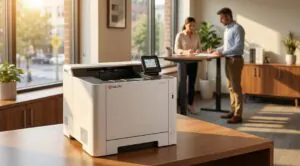
- Desktop printers are smaller, cheaper up front, and designed for lighter use.
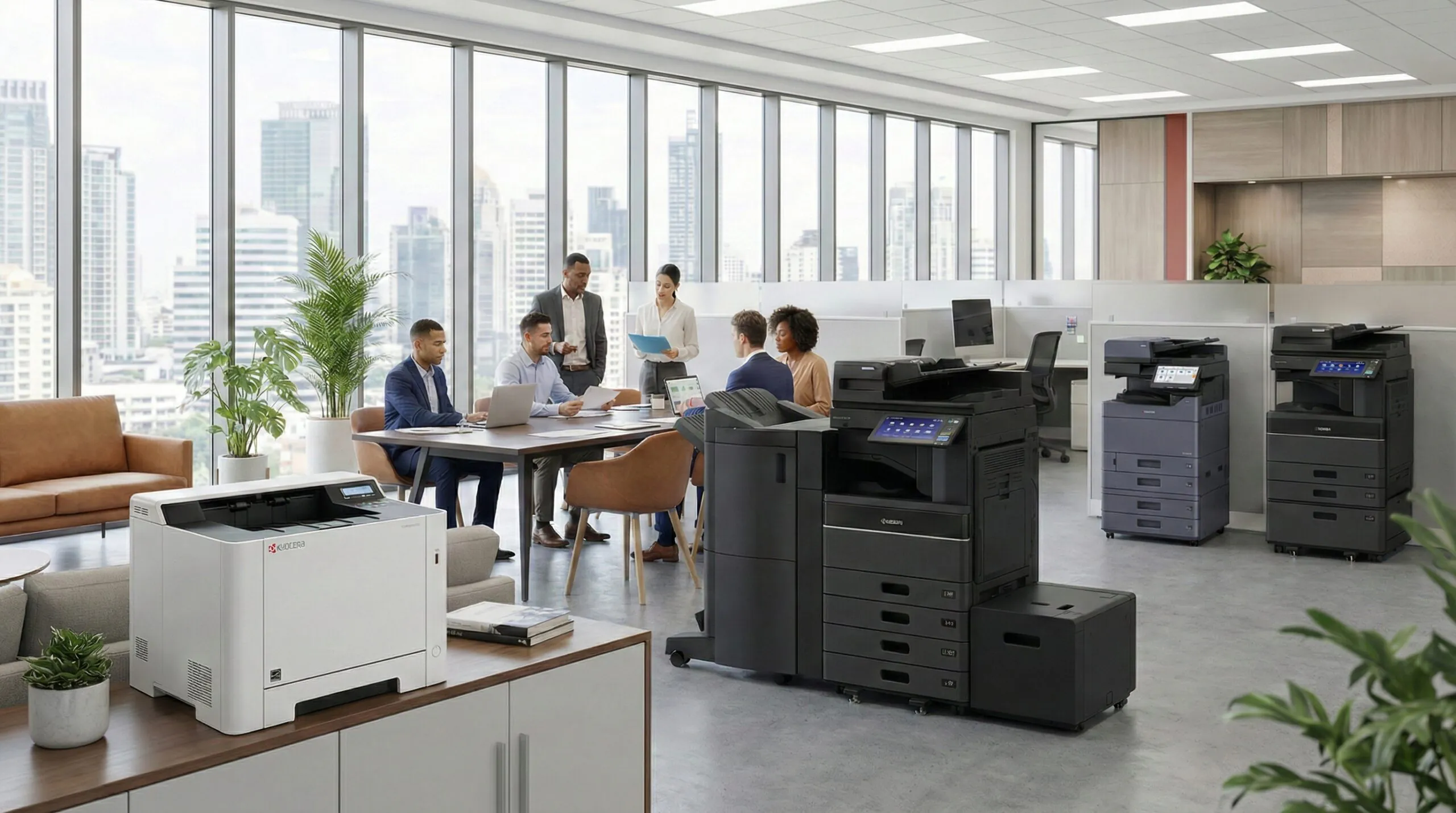
- Floor-standing copiers handle high volume, offer faster speeds, and are built for durability.
- The real question isn’t “copier or printer?” but “how much do we print and what do we need the device to do?”
Related Article: The Essential Difference Between Copiers and Laser Printers
Copier vs. Printer: Which One Does Your Business Actually Need?
Key points:
- Desktop printer is the right fit if: small office (1-5 people), low print volume (under 2,000 pages/month), limited budget, mostly basic documents.
- Multifunction copier is the right fit if: mid-size or larger office (5+ people), moderate to high volume (2,000-20,000+ pages/month), need scanning/faxing/finishing, reliability matters.
- Speed comparison: desktop printers run 15-40 PPM; multifunction copiers hit 30-70+ PPM.
Comparison Table
| Factor | Desktop Printer | Multifunction Copier |
| Best for | Small offices, light volume | Mid-size+ offices, heavier volume |
| Upfront cost | $200-$800 | $3,000-$15,000+ (or lease at $50-$400/mo) |
| Cost per page (B&W) | 2-5 cents | ~1-2 cents |
| Cost per page (color) | 8-15 cents | ~5-7 cents |
| Speed (PPM) | 15-40 | 30-70+ |
| Durability | Light duty | Built for volume |
| Features | Print only (some scan) | Print, copy, scan, fax, finishing |
Understanding Multifunction Printers (MFPs)
Key points:
- A multifunction printer (MFP) combines printing, copying, scanning, and sometimes faxing in one device.
- MFPs come in two forms: desktop (smaller, lighter duty) and floor-standing (essentially modern copiers).
- Most “copiers” sold today are actually MFPs. The terms are used interchangeably in the industry.
- Key MFP features to consider: duplex printing, cloud connectivity, secure print release, paper tray capacity, and finishing options (stapling, hole punch).
- For most businesses with 5-15 employees, a quality MFP handles everything without needing separate devices.
What Affects the Cost of a Business Copier or Printer?
Key points:
- Upfront hardware cost: Desktop printers ($200-$800), copiers ($3,000-$15,000+).
- Cost per page: The real ongoing expense. Includes toner/ink, drum, and maintenance per page printed. Copiers win here: 1-2 cents/page vs. 2-5 cents for desktop printers (B&W).
- Print volume (duty cycle): Devices are rated for monthly page counts. Exceeding the duty cycle shortens the machine’s life and increases repairs.
- Color vs. black and white: Color pages cost 3-5x more per page. Many businesses use color printers for everything when most documents could be B&W.
- Service and maintenance: Desktop printers are typically “break/fix” (you pay when something breaks). Copier leases and managed print contracts often include service.
- Supplies: Toner, ink, drums, and paper add up. Cost per page is the clearest way to compare.
Related Articles: Business.com: How to Choose a Business Copier and BusinessNewsDaily: Choosing a Multifunction Printer
Lease, Buy, or Managed Print: How to Decide
Key points:
- Buy outright: Best for desktop printers and businesses with capital to spend. You own it, you maintain it. Simple, but repairs are on you.
- Lease: Best for copiers/MFPs. Spreads cost over 36-60 months. Usually includes service and maintenance. Common for mid-size businesses.
- Managed print services (MPS): A provider manages your entire print environment: hardware, supplies, maintenance, monitoring. Best for businesses with 5+ devices that want predictable costs and less IT headache. Typically saves 10-30% on total print costs.
- The honest take: If you have 1-2 small printers and low volume, buying outright is fine. If you have multiple devices across offices, managed print is usually the smarter play long-term.
Related Articles: Copier & Printer Leasing Guide and Managed Print Services (MPS): Cost, Efficiency & Control
How to Choose: A Simple Checklist
Quick checklist:
☐ How many pages does your office print per month? (Under 2,000: printer. Over 2,000: copier/MFP.)
☐ How many people use the device? (1-3: desktop. 4+: shared MFP or copier.)
☐ Do you need scanning, faxing, or finishing? (Yes: MFP. No: basic printer may work.)
☐ What’s your budget: upfront vs. monthly? (Upfront: buy. Monthly: lease or managed print.)
☐ Who handles maintenance today? (You: consider managed print. Vendor: keep current model.)
☐ Are you spending more than you expected on toner and repairs? (Yes: get a print assessment.)
Doceo Pro Tip 💡
Before you buy or lease anything new, get a print assessment. It shows exactly what you’re printing, what it’s costing, and where you’re wasting money. Most businesses are surprised by the results.
FAQs
- What is the difference between a copier and a printer? A printer outputs digital files onto paper. A copier duplicates physical documents. Most modern copiers are multifunction devices that do both.
- Is it cheaper to lease or buy a copier? For most businesses, leasing spreads the cost and includes service. Buying makes sense for small desktop printers where maintenance is minimal.
- How much does a business copier cost? Expect $3,000-$15,000+ to purchase, or $50-$400/month to lease, depending on speed, features, and volume capacity.
- What is a multifunction printer (MFP) and do I need one? An MFP combines printing, copying, scanning, and faxing in one device. If your office needs more than basic printing, an MFP simplifies your setup.
- How do I calculate cost per page for my printer or copier? Divide the cost of a toner cartridge by its page yield. Then add maintenance cost per page. This gives you a realistic per-page cost.
- What print volume do I actually need? Count your monthly pages (your copier’s counter tracks this). Match that to a device rated for at least 20% above your average monthly volume.
- Should I get a color copier or stick with black and white? If fewer than 20% of your pages need color, a B&W device with a separate color printer is usually more cost-effective than a single color copier.
- What is managed print services and is it worth it for a small business? Managed print means a provider handles your entire print environment: devices, supplies, and maintenance for a predictable monthly cost. It’s worth it if you have 5+ devices and want less hassle.
Next Step
If you’d like help figuring out what copier or printer setup makes sense for your office, we’re happy to talk.
Let’s Chat: https://www.mydoceo.com/lets-talk