
If you had asked industry pundits twenty years ago about the future of smart office printing, most would have confidently predicted that by December 1, 2025, paper would be a relic of the past. They would have told you that the “Paperless Office” was imminent. They were wrong.
While we certainly use less paper today than we did in 2005, the paper we do use has become significantly more valuable. The “dumb” copier that simply spat out toner on 20-pound bond paper is indeed extinct. In its place, smart office printing has emerged as a critical component of the modern IT ecosystem. As we close out 2025 and look toward 2026, the need for high-quality Multifunction Printers (MFPs) and business-class desktop units is actually greater now than it was two decades ago—but for entirely different reasons.
Today’s devices are not just output machines; they are sophisticated on-ramps to your digital workflow, fortified security endpoints, and intelligent hubs that bridge the gap between physical and digital work. Here is why your organization’s print strategy needs to evolve for 2026.
Smart Office Printing: The Shift to Workflow Value
In the early 2000s, the primary metric for a copier was speed: how many pages per minute (PPM) could it produce? In late 2025, speed is table stakes. The new metric that matters is intelligence.
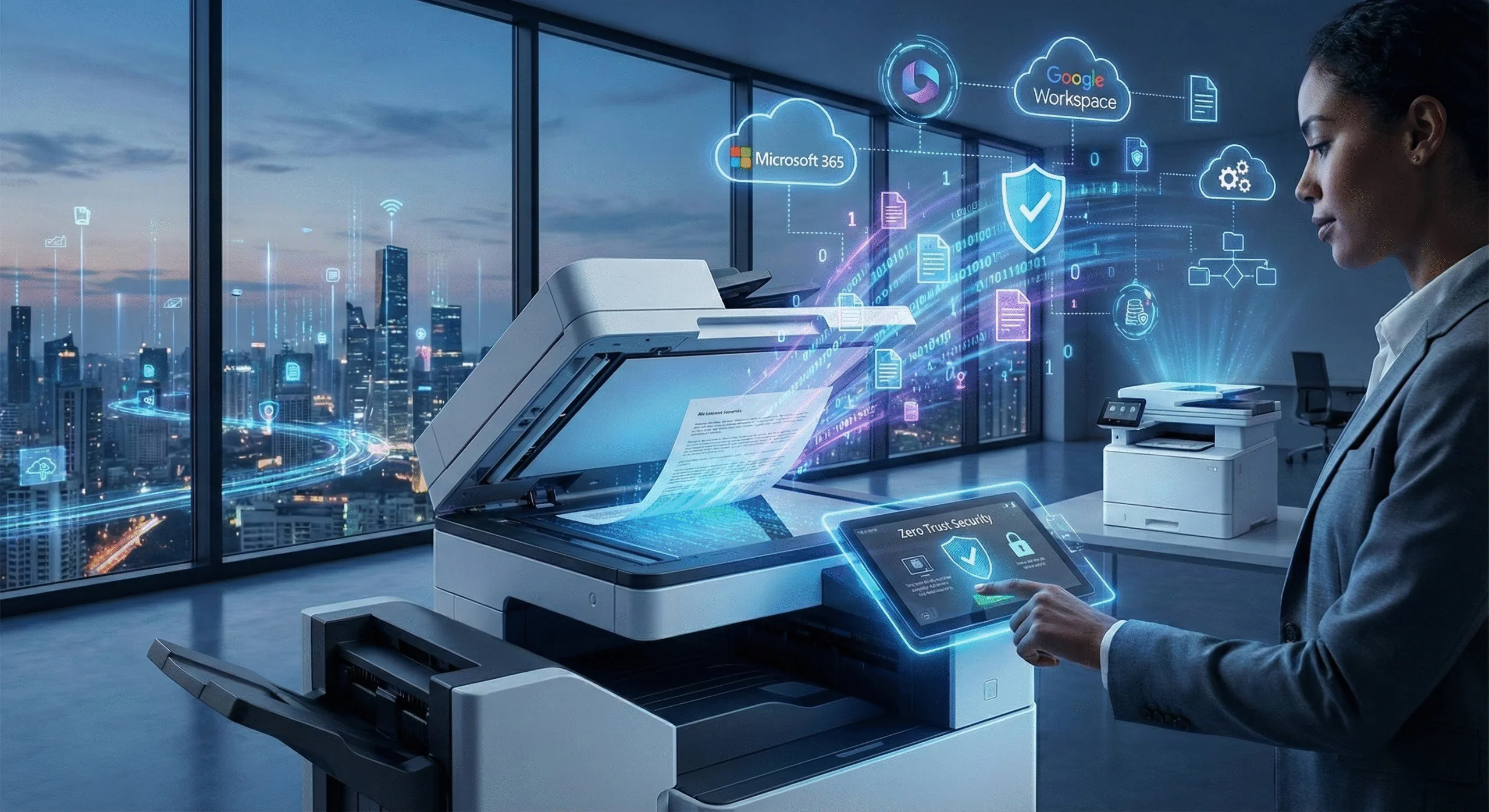
Smart office printing today is less about putting ink on paper and more about how information moves through your organization. Modern MFPs from manufacturers like Toshiba, Canon, and Kyocera act as the “edge” of your network. They are no longer isolated islands; they are fully integrated into cloud ecosystems like Microsoft 365, Google Workspace, and various ERP systems.
This evolution is driven by the need for “orchestrated automation”. Instead of a user scanning a document to their email, downloading it, renaming it, and uploading it to a shared drive, a smart MFP in 2026 can scan a document, use Optical Character Recognition (OCR) to read the text, automatically name the file based on the content (like an invoice number), and route it directly to the correct folder in SharePoint or a CRM application.
The Rise of the “Digital On-Ramp”
For the hybrid workforce, the MFP is often the bridge between the physical world of logistics, legal contracts, or healthcare records and the digital world of remote collaboration. A report from the Mopria Alliance highlights that despite digital advances, sectors like healthcare, legal, and finance still rely on mixed media workflows where paper ensures authenticity and compliance. A smart fleet ensures that this transition from paper to digital is seamless, secure, and searchable.
Security is No Longer an Option with Smart Office Printing
One of the most dangerous misconceptions in business technology is treating a printer as an appliance rather than a computer. In 2025, a modern MFP has a hard drive, an operating system, and a direct connection to your network. If unsecured, it is a vulnerability.
As we move into 2026, the standard for print security is “Zero Trust“. This means verifying every user and device, every time. The threat landscape has evolved; attackers now target printer firmware and unpatched admin panels to gain entry to broader corporate networks.
Smart office printing requires a defense-in-depth strategy:
-
BIOS Integrity: Modern devices, such as those from Toshiba, have self-healing BIOS features that can detect malicious code during startup and restore the system to a secure state automatically.
-
Whitelisting: Ensuring only authorized firmware and applications can run on the device.
-
Encrypted Data: Hard drives on Doceo’s enterprise units are encrypted, meaning even if a drive is physically stolen, the data remains unreadable.
-
Pull Printing: To prevent sensitive documents from sitting in output trays (a major internal security risk), users must authenticate at the device using a badge or PIN to “release” the print job.
The Hybrid Fleet: A3 and A4 Working Together
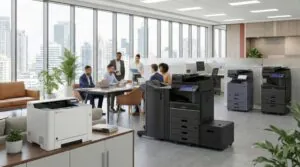
Twenty years ago, most offices had a centralized “copy room” with a massive machine. Today, the office footprint has changed. We are seeing a shift toward a balanced, hybrid fleet that utilizes both A3 (large, 11×17 capable hallway units) and A4 (business-class desktop units) devices.
The market data supports this shift. In 2025, while A3 units remain essential for high-volume and complex finishing tasks, there has been a surge in sophisticated A4 devices designed for decentralized teams and smaller workgroups.
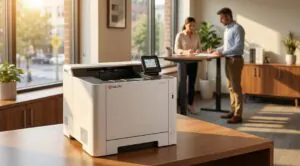
However, “desktop” does not mean “dumb.” The A4 units Doceo deploys (primarily from Kyocera and Canon) run the same sophisticated firmware as their larger A3 counterparts. This allows for a consistent user experience: the interface, security protocols, and software integrations are identical whether an employee is using the large MFP in the hallway or the compact printer in their department.
Why Quality Hardware Matters More Now
With fewer pages being printed, the reliability of those pages is paramount. When an employee prints in 2026, it is usually for a critical purpose: a client presentation, a signed contract, or a manifest. They cannot afford downtime. Consumer-grade printers purchased from big-box stores typically fail to meet these demands and lack the security tools discussed above. Partnering with a managed print provider ensures that even your smaller units are business-grade, serviced proactively, and monitored for supply levels.
Software is the Engine of Smart Office Printing
The hardware—the plastic and metal box—is only half the equation. The other half is the software that drives it. As we look at trends for 2026, smart office printing is increasingly defined by Print Management Software like PaperCut.
This software layer provides visibility and control that was impossible twenty years ago. It allows IT directors and business owners to:
-
Track and Allocate Costs: Know exactly who is printing what and charge it back to specific departments or client codes.
-
Enforce Rules: Automatically route large jobs to the most efficient device (A3) rather than an expensive desktop unit, or force duplex (two-sided) printing to reduce waste.
-
Mobile Enablement: Allow employees to print from smartphones or tablets securely, a requirement that will only grow as mobile authentication becomes the standard in 2026.
Looking Ahead to 2026
As we prepare for the new year, I encourage you to audit your current print environment. Is your equipment aging? Are your devices unsecured endpoints on your network? Are your employees wasting time manually scanning and renaming files?
The office isn’t paperless, but it is smarter. The successful businesses of 2026 will be those that view their print fleet not as a cost center, but as a secure, integrated part of their information workflow. At Doceo, our Print Technology Division specializes in designing these modern environments, ensuring you have the right mix of smart office printing technology to drive efficiency and security.
Proven People. Proven Results.
Ready to modernize your print strategy?
Schedule a FREE Smart Office Printing Assessment consultation with a Doceo Advisor today.