

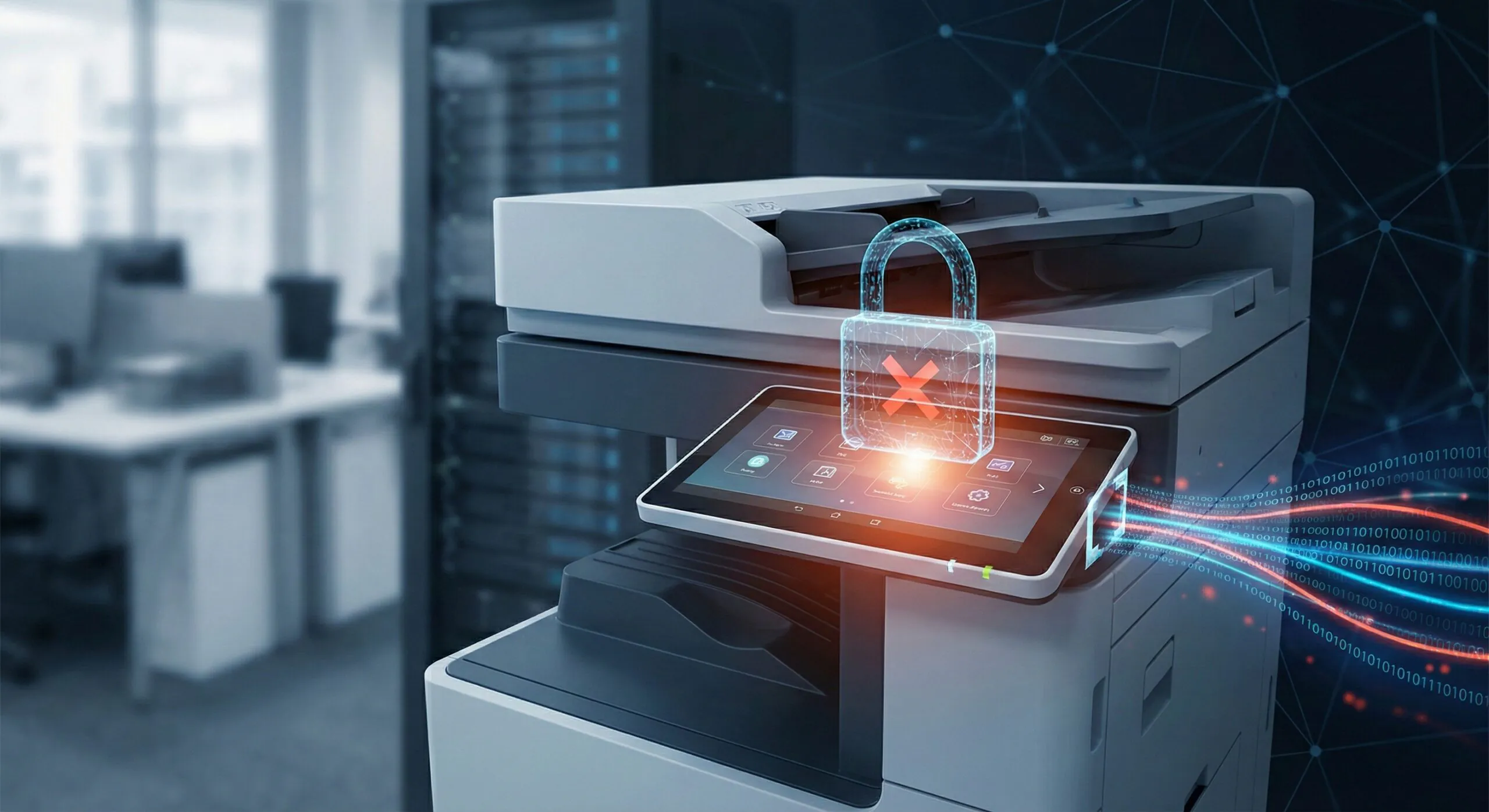
Your multifunction printer knows a lot about your business. Every contract, every HR document, every financial report passes through it. And in 2026, cybercriminals know this too.
The days of treating your MFP as “just a copier” are over. Modern multifunction printers are sophisticated network endpoints with processors, memory, storage, and direct connections to your most sensitive data. Yet many organizations still leave them unprotected, creating a backdoor that bypasses all your other security investments.
Why Print Security Matters More Than Ever
The threat landscape has shifted dramatically. According to Quocirca’s 2024 Global Print Security Report, 67% of organizations experienced a print-related data breach in the past year. That number continues to climb as attackers recognize an uncomfortable truth: most businesses secure their computers and servers while ignoring the device sitting in the hallway.
Several factors make 2026 a turning point for print security:
-
Regulatory pressure is intensifying. HIPAA, PCI-DSS, and state privacy laws now explicitly address document security. Organizations in healthcare, financial services, and legal sectors face significant penalties for data exposures that originate from unsecured print infrastructure.
-
Remote and hybrid work has expanded the attack surface. Employees print from home networks, branch offices, and mobile devices. Each connection point represents a potential vulnerability if not properly secured.
-
AI-powered attacks have grown more sophisticated. Automated tools can scan networks for vulnerable devices and exploit known MFP vulnerabilities faster than ever. Your printer’s firmware version from 2023 may already have documented exploits.
The Anatomy of an MFP Attack
Understanding how attackers target multifunction printers helps illustrate why security matters.
-
Network infiltration: An unsecured MFP becomes an entry point to your broader network. Once compromised, attackers can move laterally to access servers, databases, and other connected systems. The printer becomes a staging ground for larger breaches.
-
Data interception: Print jobs travel across your network, often unencrypted. Attackers can capture documents in transit, collecting everything from employee W-2s to client contracts without anyone noticing.
-
Stored document theft: Modern MFPs have hard drives that store copies of printed, scanned, and faxed documents. Without proper data protection, these drives become treasure troves for anyone who gains access.
-
Credential harvesting: MFPs often integrate with Active Directory, email systems, and cloud storage. Compromised devices can capture user credentials as employees authenticate to print or scan.
What Effective Print Security Looks Like
Protecting your print environment requires a layered approach that addresses devices, data, and user behavior.
Device-Level Security
Start with the MFP itself. Modern business printers from manufacturers like Kyocera include built-in security features that many organizations never activate:
-
Firmware verification and automatic updates ensure devices run the latest protected software.
-
Hard drive encryption protects stored documents from physical theft.
-
Secure boot processes verify device integrity each time the MFP powers on.
-
Port and protocol controls close unnecessary network entry points.
Network Protection
Your MFP should be treated with the same security rigor as any other network endpoint:
-
Network segmentation isolates print devices from critical systems.
-
Encrypted print protocols protect documents in transit.
-
Firewall rules restrict MFP communication to necessary services only.
-
Regular vulnerability scanning identifies potential weaknesses before attackers do.
User Authentication and Access Control
Not every employee needs access to every printer function. Implement controls that match access to job requirements:
-
Pull printing holds jobs until users authenticate at the device, preventing documents from sitting in output trays.
-
Role-based permissions limit who can access scanning, faxing, and administrative functions.
-
Audit logging tracks all device activity for compliance and incident investigation.
-
Guest access controls manage printing from visitors and contractors.
Document and Data Protection
Protect information throughout its lifecycle:
-
Automatic data overwrite clears hard drives after each job.
-
Secure disposal processes properly sanitize devices before replacement.
-
Watermarking and tracking for sensitive documents.
-
Integration with data loss prevention tools that monitor for policy violations.
The Cost of Inaction
Organizations that ignore print security face real consequences. Beyond the obvious breach costs (averaging $4.45 million according to IBM’s 2023 report), consider the operational impact: compliance failures, lost client trust, and remediation expenses that far exceed the cost of proper security measures.
A single exposed document containing protected health information can trigger HIPAA investigations. Client contracts leaked through an unsecured MFP can destroy business relationships built over decades. The risk-reward calculation clearly favors investment in print security.
Taking the First Step
Most organizations don’t need to replace their entire print fleet to improve security. Start with an assessment of your current state:
-
What devices are on your network, and what firmware versions are they running?
-
Which security features are available but not enabled?
-
How are print jobs transmitted and stored?
-
Who has access to what functions, and is that access appropriate?
A thorough print security assessment identifies gaps and prioritizes remediation based on risk. The goal isn’t perfection on day one. It’s building a roadmap that addresses your most significant vulnerabilities first while working toward a comprehensive security posture.
Ready to Secure Your Print Environment?
Doceo helps organizations across Pennsylvania and beyond implement print security strategies that protect data without disrupting productivity. Our team can assess your current infrastructure, recommend appropriate solutions, and manage your print security ongoing so you can focus on your business.
Contact us for a print security assessment → Access our requst form