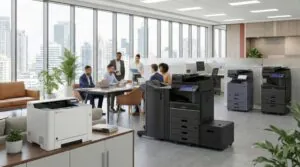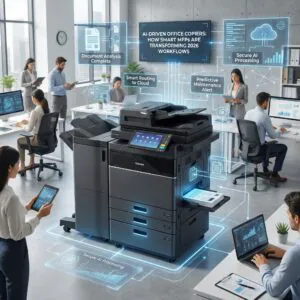

As we prepare to turn the calendar to 2026, business leaders are scrutinizing every line item on the P&L. You are likely looking for software to streamline operations or AI tools to write emails faster. Yet, one of the most powerful tools for efficiency is likely sitting in your hallway, unnoticed. MFP workflow automation is the untapped potential within your multifunction printer that can bridge the gap between physical paper and digital speed.
For many organizations, the office copier is still treated like it’s 2010—a machine used strictly to print, copy, and scan to email. This approach creates bottlenecks. In a modern office, your MFP should not just be an output device; it should be an on-ramp to your digital infrastructure.
Why MFP Workflow Automation Beats “Scan to Email”
The traditional “scan to email” process is a productivity killer. An employee scans a document, walks back to their desk, opens the email, downloads the attachment, renames it, and then uploads it to a shared drive. This manual friction adds up to hundreds of wasted hours annually.
By leveraging MFP workflow automation, Doceo’s Print Technology Advisors help businesses configure devices to bypass these steps entirely. Here are five ways you can transform your print fleet into a productivity engine for 2026.
1. Direct-to-Cloud Integration
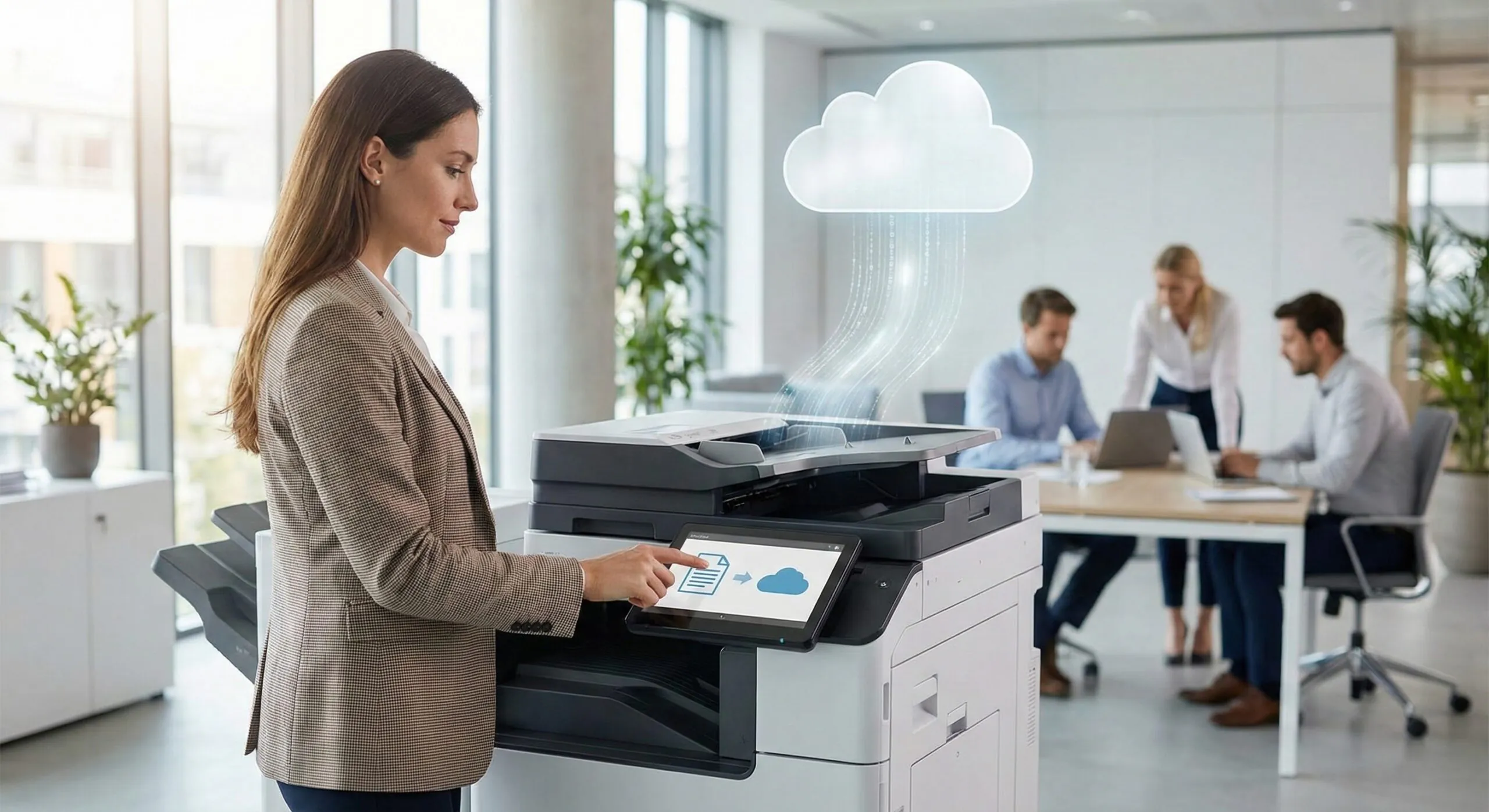
Modern devices from manufacturers like Toshiba, Kyocera, Canon and Xerox allow for native integration with the cloud platforms you already use. Instead of scanning to an email inbox, MFP workflow automation tools let your team scan directly into specific folders in Microsoft OneDrive, SharePoint, Google Drive, iCloud, or Dropbox.
This ensures that a contract scanned by the sales team in King of Prussia is instantly available to the finance team in York. It reduces version control errors and speeds up collaboration for hybrid teams.
2. Optical Character Recognition (OCR)
One of the most valuable features of MFP workflow automation is OCR. Standard scanning creates a static image file—a “dumb” PDF that you cannot search or edit.
With OCR enabled, your MFP converts scanned documents into fully searchable, editable text files (Word, Excel, or searchable PDF). This means your admin team can search for a specific invoice number or client name within a digital file instantly, rather than manually reading through hundreds of scanned pages.
3. Automated Routing with MFP Workflow Automation
Imagine scanning an invoice, and the MFP automatically reading the vendor name, routing it to the “Accounts Payable” folder, and notifying the CFO for approval. This is not science fiction; it is standard capability for modern devices supported by our Print Technology Division.
By setting up these “one-touch” MFP workflow automation rules, you remove human error and ensure that critical documents never get lost in an employee’s personal inbox.
4. Translation and Mobile Connectivity
As businesses in the Mid-Atlantic expand, language barriers can slow down operations. Many Toshiba and Kyocera devices now feature apps that can scan a document in English and print a translated version in Spanish, French, or German in seconds.
Furthermore, with the rise of the hybrid workforce, mobile connectivity is non-negotiable. Employees should be able to release print jobs securely from their smartphones or tablets when they arrive at the office, without needing to log onto a desktop computer.
5. Secure “Follow-Me” Printing
Efficiency means nothing without security. “Follow-Me” printing requires a user to authenticate at the device (via badge or PIN) before the job is released. This prevents the “print and sprint” scenario where sensitive documents pile up in the tray. It also saves money; our data shows that uncollected print jobs account for a significant portion of wasted paper and toner.
Implementing MFP Workflow Automation with IT Expertise
Implementing these workflows requires more than just a copier salesperson; it requires a strategic partner who understands your network. This is where Doceo’s unique structure shines. Because we house both IT Services and Print Technology under one roof, we ensure your MFP workflow automation is secure, compatible with your Cloud Services, and optimized for your specific network infrastructure.
“Doceo is rooted in being servants. The company was founded on the principle of hiring people with servant hearts… who go the extra mile to ensure both internal and external customers receive nothing less than an exceptional experience.” – John Lewis, CEO and Co-Founder
Preparing for the New Year
2026 will be the year of efficiency. Do not let your hardware lag behind your ambition. By activating the intelligent features already present in your devices, you can save time, reduce frustration, and allow your team to focus on high-value tasks rather than administrative busywork.
According to Keypoint Intelligence, businesses that automate document workflows see a significant reduction in processing time and operational costs. Is your office ready?
Schedule a FREE Print Workflow consultation with a Doceo Advisor today.