
It is the “Sunday Morning Panic.” It is 8:30 AM, service starts in two hours, and the copier just jammed for the third time while printing the bulletins. If you are reading this, you might be in that moment right now, or you are researching solutions to ensure you never face it again.
Finding the best copiers for churches is not just about browsing brands; it is about solving the tension between reliability (it has to work on Sunday) and stewardship (it has to fit the budget).
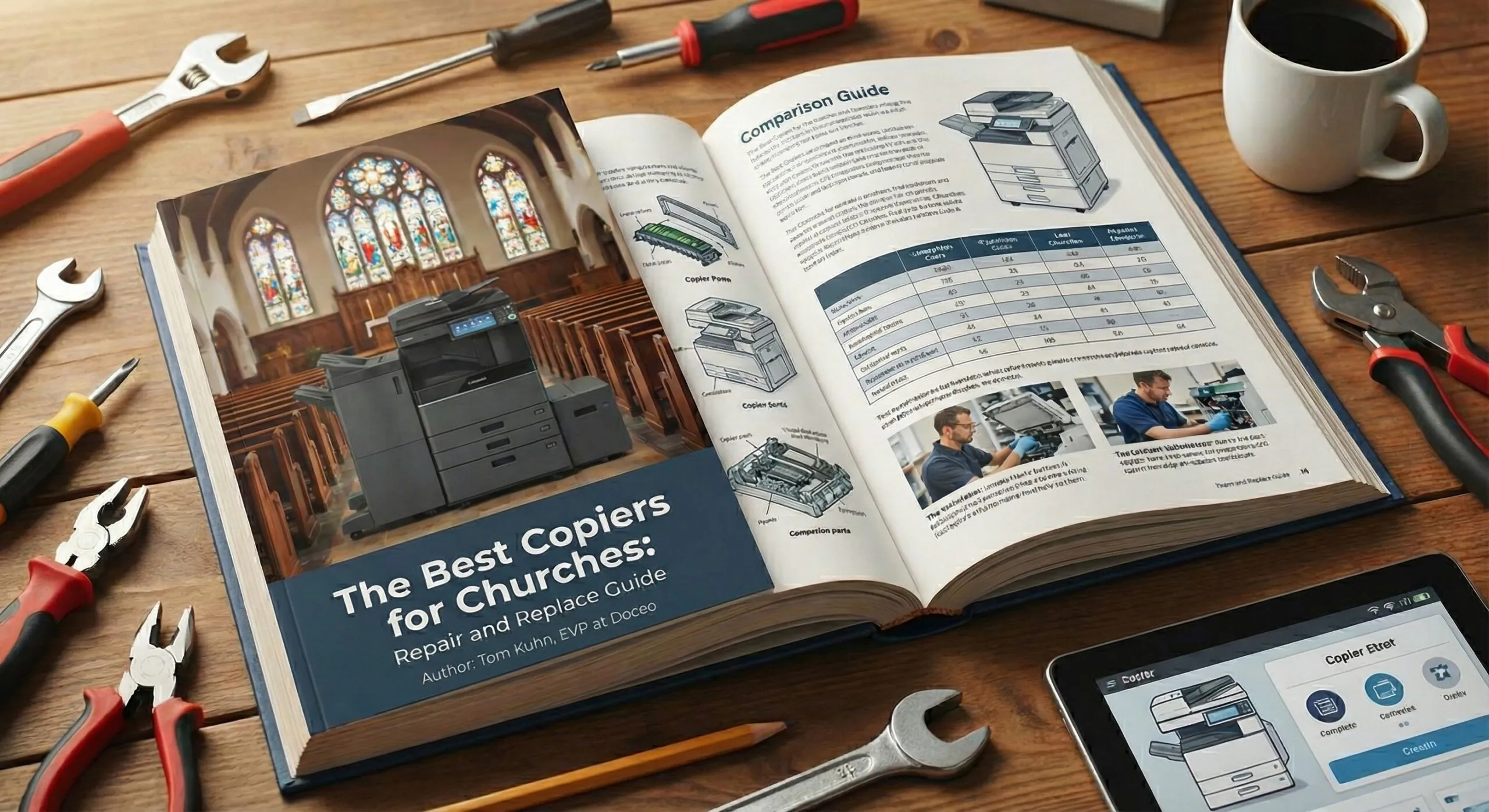
If you are currently wrestling with a problematic machine, this guide will help you determine if you should call for a repair, or if it is time to invest in a new solution for your ministry.
The Diagnostic: Repair vs. Replace?
Before you spend money on a new machine, you need to know if your current one is truly dead. In the printer industry, we often see churches holding onto machines far past their prime, which actually costs more in emergency service calls and wasted toner than a new lease would.
According to data from industry analysts like Keypoint Intelligence, the Total Cost of Ownership (TCO) for aging devices often spikes significantly after the 60-month mark due to maintenance requirements.
Use this simple checklist to decide:
-
The 5-Year Rule: Is your machine older than 5 years? Most copier leases and lifecycles are designed for 60 months. Beyond that, parts become scarce and software security becomes a risk.
-
The “50% Repair” Threshold: If a repair quote costs more than 50% of the machine’s current market value, it is time to replace it.
-
The “Sunday Reliability” Test: Has the machine failed during critical ministry times (like Sunday prep) more than twice in the last six months? If yes, the “cost” is not just financial; it is the stress on your team.
Choosing the Best Copiers for Churches: A3 vs. A4
If you decide it is time to upgrade, do not let a salesperson oversell you. One of the biggest mistakes churches make is buying a massive production machine when a smaller, efficient model would do.
To find the best copiers for churches, you must understand the difference between A3 and A4 devices:
-
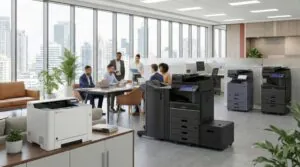
A3 Copiers (11×17 capable): These are the large, freestanding units.
-
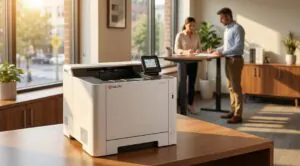
A4 Printers (Standard Letter/Legal): These are smaller, often desktop or compact floor units.
-
Best for: Administrative offices, individual pastor’s studies, or smaller churches that do not print 11×17 booklets. They are significantly less expensive to acquire and operate.
-
Our Recommended Brand for A4: Kyocera
-
Pro Tip: A “hybrid” approach often works best. You might need one A3 copier for bulletins and two smaller A4 units for the administrative offices.
3 “Must-Have” Features for Ministry Workflows
When comparing quotes, ignore the fluff features. Focus on these three tools that directly solve church problems:
1. Booklet Finishing (The Volunteer Saver)
If your volunteers are currently hand-folding hundreds of bulletins every week, you are wasting their valuable time. The best copiers for churches should have an internal finisher that automatically folds and saddle-stitches (staples) your bulletins. You hit print, and ready-to-hand-out booklets come out of the tray.
2. User Codes and Quotas (Stewardship)
Color toner is the most expensive part of printing. We often see churches where anyone can print full-color flyers without restriction. Using software like PaperCut, you can assign PIN codes to users.
-
Scenario: The Youth Pastor can print color for event flyers, but daily emails default to Black & White. This simple change can save hundreds of dollars a month.
3. Mobile Connectivity
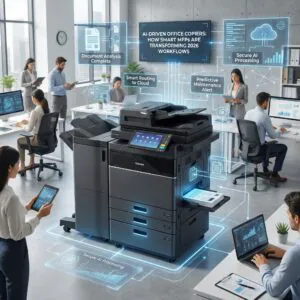
Guest speakers and visiting missionaries often arrive with a sermon outline on their iPad or phone. Modern copiers from Toshiba and Kyocera allow for seamless mobile printing, saving the A/V team a headache 10 minutes before service starts.
Why Local Service Matters More Than Brand
Here is the truth: A Toshiba, Kyocera, Canon, Epson, Xerox are all excellent machines. The difference lies in who shows up when it breaks.
Churches operate on a strict weekly deadline. If your copier goes down on Friday morning, you cannot wait until Tuesday for a part to ship from a national call center. You need a technician who lives in your area—whether that is Philadelphia, Hunt Valley, or Chantilly.
At Doceo, our “Proven People” culture means we prioritize response time. We have local technicians stationed across Pennsylvania, Maryland, and Northern Virginia to ensure that when you call, we answer. We understand that your “business hours” include Sunday preparation, and we staff accordingly.
Next Steps for Your Ministry
If your current copier is causing stress, or if the “Repair vs. Replace” math is pointing toward a new machine, do not guess. You need an advocate who understands ministry budgets.
Schedule a FREE Copier & Print Assessment consultation with a Doceo Advisor today.